Heading hierarchy: the structural foundation
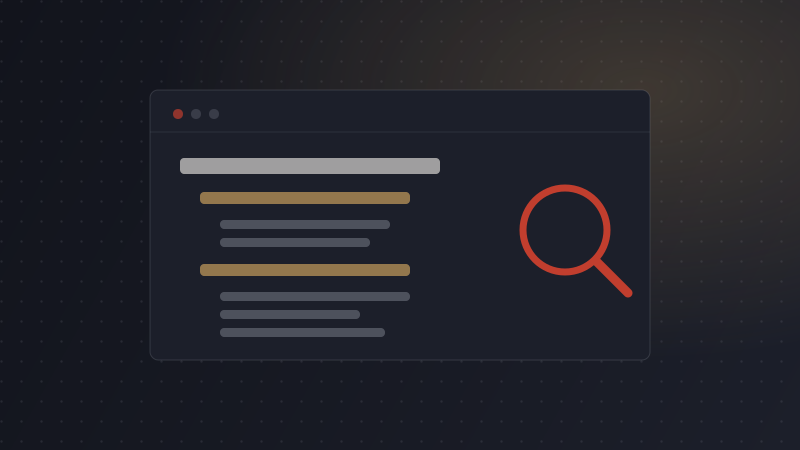
Every post should have exactly one H1 — the title. Below that, H2s mark the main sections, and H3s break down a specific H2 only when it actually needs sub-points. Skipping a level (an H3 with no parent H2, or jumping from H1 straight to H3) confuses both readers scanning the page and search engines parsing its structure.
A simple test: read just the headings of your post, top to bottom, ignoring all body text. If that outline alone makes sense as a summary of the post, your hierarchy is doing its job.
This matters for two different readers at once: a human skimming the page to decide whether to keep reading, and a search engine parsing the document to understand what it's actually about. Both are doing roughly the same job — using your headings as a map — so a hierarchy that helps one tends to help the other. A post with a messy or flat structure asks both of them to work harder than they should have to.
Keyword density done right
Keyword density as a strict percentage is largely outdated advice, and chasing a specific number is how posts end up reading unnaturally. What still matters:
- Your primary keyword appears in the title and the first paragraph.
- It shows up naturally in at least one subheading, without being forced.
- Related terms and synonyms appear throughout — search engines connect topically related phrases, not just exact-match repetition.
- No sentence exists purely to fit the keyword in one more time.
If you read a paragraph back and a phrase sounds like it was inserted rather than written, it probably was — cut it.
Related terms matter more than repeating the exact phrase
Search engines have gotten meaningfully better at connecting a topic to the different ways people actually phrase it. A post about "storing fresh herbs" that also naturally mentions refrigeration, humidity, and specific herb names is demonstrating real topical coverage — which tends to matter more than how many times the exact phrase "storing fresh herbs" shows up. Write the way you'd explain the topic to someone, and the related terms tend to show up on their own.
Say your keyword out loud in a normal sentence before you write it. If it sounds like something you'd actually say to a person, it'll read naturally. If it sounds like a search query, rephrase it.
Meta descriptions that get clicks
A meta description doesn't directly boost rankings, but it's the pitch that determines whether someone clicks your result over the one next to it. Keep it in the 120–155 character range so it doesn't get cut off, lead with the specific benefit or answer (not a restatement of the title), and include the primary keyword naturally if it fits — don't force it in at the cost of clarity.
A weak meta description just restates the title: "Learn about storing fresh herbs" tells a searcher nothing they didn't already know from the title above it. A stronger one answers the implicit next question: "Three storage methods for fresh herbs, tested over a month, with which one actually held up." Same topic, but the second version gives someone a specific reason to click this result over the five others on the page.
Title tags: the other half of the click decision
Your page title (which can differ slightly from your H1) and meta description work together as a pair in search results — the title earns attention, the description confirms it's worth the click. Keep the primary keyword near the front of the title where possible, and avoid vague titles like "Herb Storage Tips" when "How to Store Fresh Herbs So They Last Longer" tells a searcher exactly what they'll get.
Readability: formatting for scanning
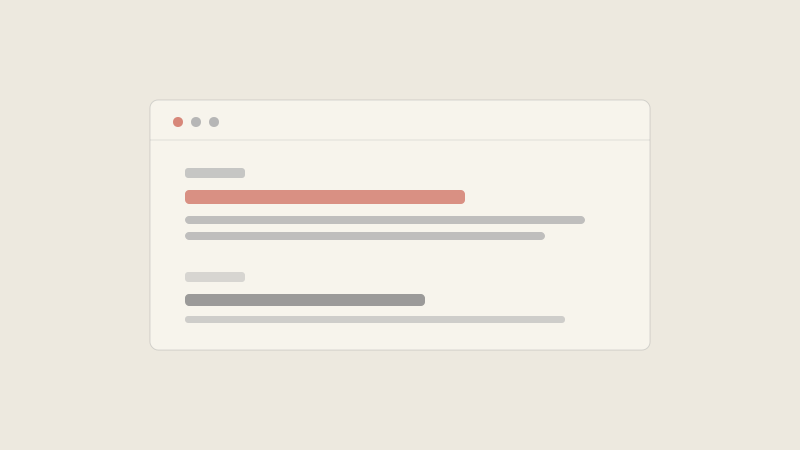
Most readers scan before they commit to reading. Short paragraphs (2–4 sentences), bullet lists for anything list-shaped, and bolded key phrases all help a scanning reader decide to actually read. None of this is about "dumbing down" content — it's about respecting that most people are deciding whether to keep reading within the first few seconds.
A simple habit that helps here: after drafting a section, scroll past it quickly without reading closely, the way a real visitor would. If nothing catches your eye — no bolded phrase, no heading that tells you what's inside, no list breaking up a wall of text — that section needs formatting help before it needs more words.
| Old habit | What works better now |
|---|---|
| Hitting an exact keyword density percentage | Natural placement in title, intro, and one heading |
| Long, unbroken paragraphs | 2–4 sentence paragraphs, scannable formatting |
| Linking to anything remotely related | Linking only where it genuinely helps the reader next |
| Generic meta descriptions auto-copied from the intro | A meta description written to earn the click |
Internal linking strategy
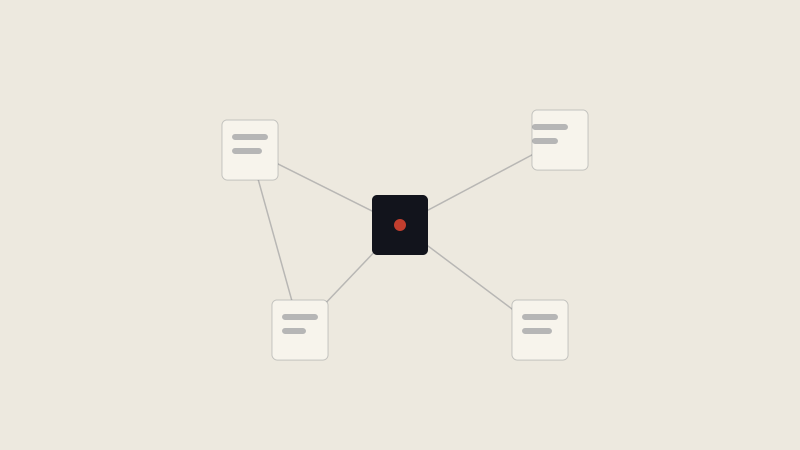
Internal links do two things: they help readers find more of what they came for, and they help search engines understand how your content relates to itself. Link to genuinely related posts — 2 to 5 per post is typical — using descriptive link text rather than "click here." Every link should answer "why would a reader want to go there next?"
This article, for example, links out to our buyer's guide to AI writing tools and to the full keyword-to-published-post walkthrough — both directly relevant to someone reading about SEO structure.
The failure mode to watch for is the opposite problem: adding links purely because a plugin suggested a vaguely related post, or because a post "should" have more internal links. A reader who clicks a tenuous link and lands somewhere unhelpful loses trust faster than a reader who simply didn't get an extra link. When in doubt, leave it out.
The pre-publish SEO checklist
Everything above is a principle. This is the same information turned into something you can actually run through in the last ten minutes before hitting publish, in order:
- One H1, logical H2s, H3s only where a section truly subdivides — no skipped levels.
- Primary keyword in the title, first paragraph, and at least one subheading.
- Meta description between 120–155 characters, written to earn the click.
- Paragraphs kept short; lists used wherever content is naturally list-shaped.
- 2–5 internal links to genuinely related content, with descriptive link text.
- Every image has specific, descriptive alt text — not a filename.
- Read the whole post once as a first-time visitor, not as the person who wrote it.
OptiPublish handles the first four items by default on every generated draft, which is exactly the part of this checklist most people find tedious to do manually — it leaves you to focus on the review and the links, where your judgment matters most.
None of these items takes long individually, which is exactly why it's worth running through all of them every time rather than only when a post feels important. A quick, consistent habit applied to every post beats a thorough process you only remember to use occasionally. For a broader look at where this fits into a full editing pass, see our guide to automating content without sounding robotic.